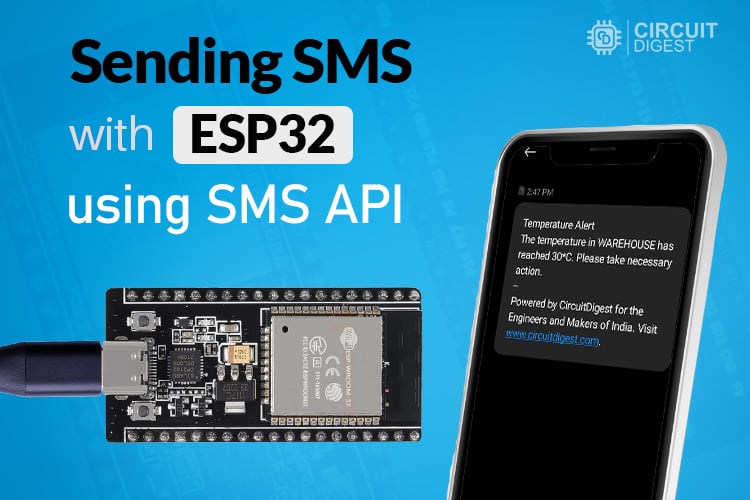
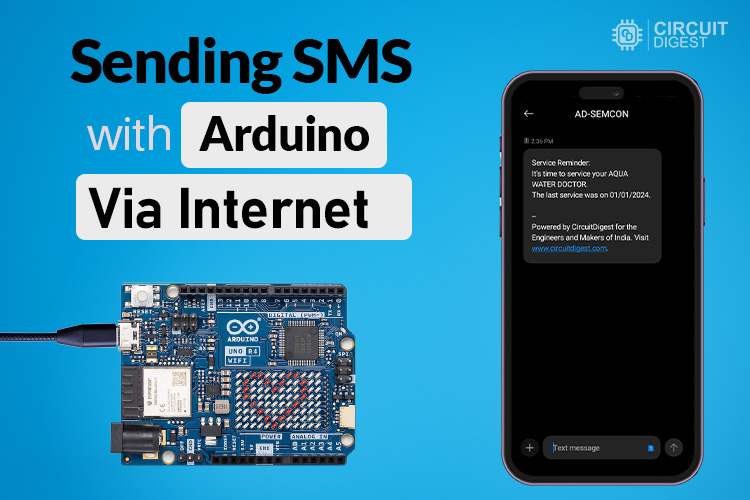
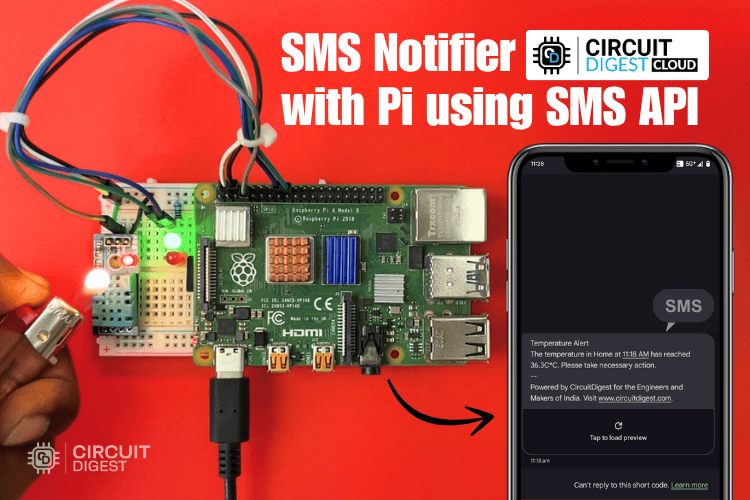
SMS Notification
Send reliable SMS alerts from your IoT devices using CircuitDigest Cloud. Easily integrate with ESP32, Arduino, Raspberry Pi and more.
Get Started in Minutes
Start sending IoT notifications in just a few simple steps
1
Create Account
Sign up for free, no credit card required
2
Link Phone Number
Add and verify your phone number
3
Select Template
Choose a pre-approved SMS template
4
Send SMS
Call the API from your IoT device
Try API
Test the SMS Notification directly from your browser
API Key:
cd_xxxxxxxxxxxxxxxxxxxxSelect a template to fill its variables.
CD
CircuitDigest
Verified Business Account
Select a template
to preview
Type a message...
1// Tested with: ESP32 DevKit
2#include <WiFi.h>
3#include <HTTPClient.h>
4
5// ================= WIFI =================
6const char *ssid     = "YOUR_WIFI_SSID";     // Place your WiFi SSID here
7const char *password = "YOUR_WIFI_PASSWORD"; // Place your WiFi password here
8
9// ================= API DETAILS =================
10const char* apiKey       = "YOUR_API_KEY"; // Place your Circuit Digest Cloud API key here
11const char* templateID   = "103";
12const char* mobileNumber = "91xxxxxxxxxx"; // Fill with your mobile number (country code + number)
13const char* var1         = "Test";
14const char* var2         = "ESP32";
15
16// ================= FLAG =================
17bool smsSent = false;
18
19// ================= SEND SMS FUNCTION =================
20void sendSMS() {
21
22  if (WiFi.status() != WL_CONNECTED) {
23    Serial.println(" WiFi Not Connected!");
24    return;
25  }
26
27  HTTPClient http;
28
29  String url = "http://www.circuitdigest.cloud/api/v1/send_sms?ID=" + String(templateID);
30
31  Serial.println("Connecting to server...");
32  http.begin(url);
33
34  http.addHeader("Content-Type", "application/json");
35  http.addHeader("Authorization", apiKey);
36
37  String payload =
38    "{\"mobiles\":\"" + String(mobileNumber) +
39    "\",\"var1\":\"" + String(var1) +
40    "\",\"var2\":\"" + String(var2) + "\"}";
41
42  Serial.println("\n Sending SMS...");
43  Serial.println(payload);
44
45  int httpCode = http.POST(payload);
46
47  Serial.print("HTTP Code: ");
48  Serial.println(httpCode);
49
50  if (httpCode > 0) {
51    String response = http.getString();
52    Serial.println(response);
53    Serial.println(" SMS Sent!");
54  } else {
55    Serial.println("Failed to send SMS");
56  }
57
58  http.end();
59}
60
61// ================= SETUP =================
62void setup() {
63  Serial.begin(115200);
64  delay(2000);
65
66  Serial.println("Connecting to WiFi...");
67  WiFi.begin(ssid, password);
68
69  while (WiFi.status() != WL_CONNECTED) {
70    delay(500);
71    Serial.print(".");
72  }
73
74  Serial.println("\n WiFi Connected!");
75  Serial.print("IP: ");
76  Serial.println(WiFi.localIP());
77
78  // SEND ONLY ONCE AFTER BOOT
79  if (!smsSent) {
80    delay(3000);  // optional delay before sending
81    sendSMS();
82    smsSent = true;
83  }
84}
85
86// ================= LOOP =================
87void loop() {
88  // nothing here (prevents repeat)
89}
Tutorials
Learn how to integrate with step-by-step guides