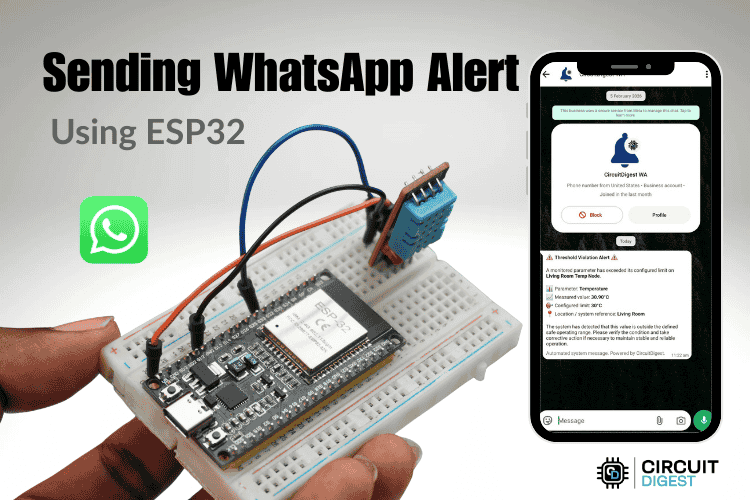
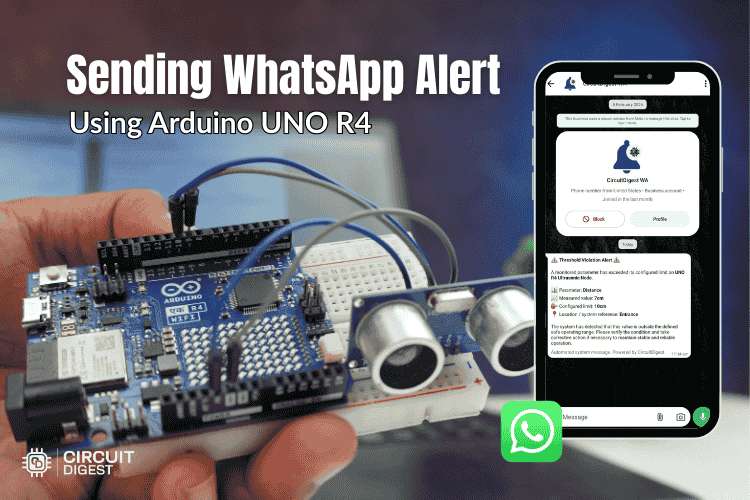
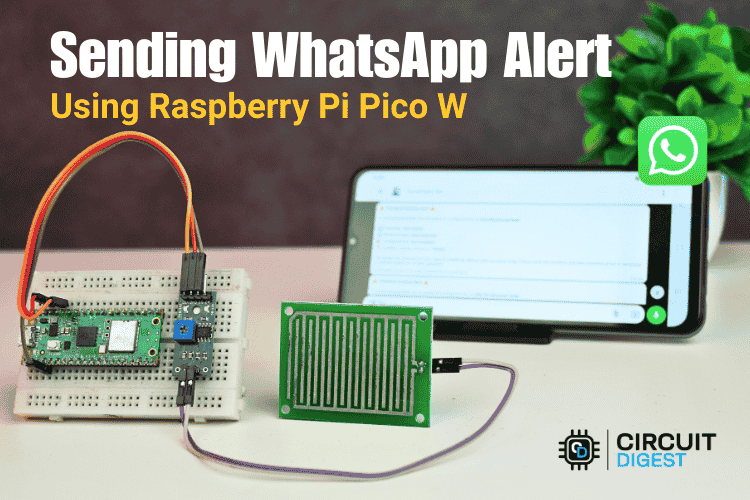
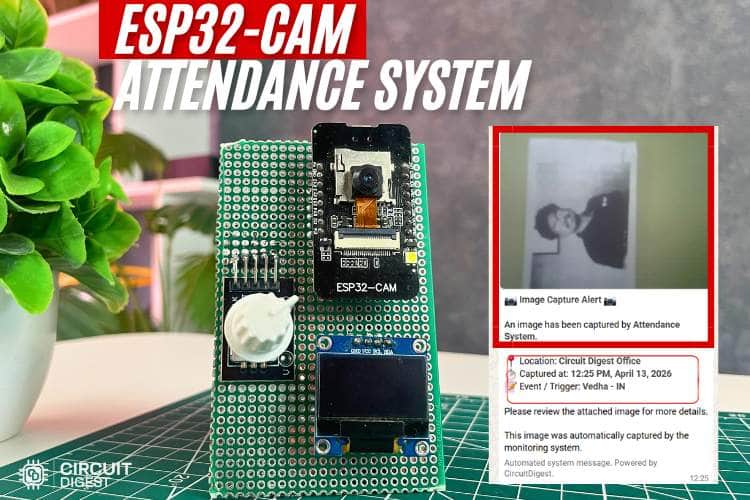
WhatsApp Notification
Send WhatsApp messages from your IoT devices. Template-based messaging with media support and delivery tracking.
Get Started in Minutes
Start sending IoT notifications in just a few simple steps
1
Create Account
Sign up for free, no credit card required
2
Link Phone Number
Add and verify your WhatsApp number
3
Select Template
Choose a pre-approved WhatsApp template
4
Send Message
Call the API from your IoT device
Try API
Test the WhatsApp Notification directly from your browser
API Key:
cd_xxxxxxxxxxxxxxxxxxxxSelect a template to fill its variables.
1// Tested with: ESP32 DevKit / ESP32-S3
2#include <WiFi.h>
3#include <WiFiClientSecure.h>
4
5// ================= WIFI =================
6const char* ssid     = "YOUR_WIFI_SSID";     // Place your WiFi SSID here
7const char* password = "YOUR_WIFI_PASSWORD"; // Place your WiFi password here
8
9// ================= API DETAILS =================
10const char* apiKey = "YOUR_API_KEY"; // Place your Circuit Digest Cloud API key here
11const char* host   = "www.circuitdigest.cloud";
12
13// ================= SEND WHATSAPP FUNCTION =================
14void sendWhatsApp(float temperature) {
15  WiFiClientSecure client;
16  client.setInsecure();
17
18  if (!client.connect(host, 443)) {
19    Serial.println("Connection failed");
20    return;
21  }
22
23  String payload =
24    "{\"phone_number\":\"yournumber\","
25    "\"template_id\":\"threshold_violation_alert\","
26    "\"variables\":{"
27    "\"device_name\":\"ESP32 Test Node\","
28    "\"parameter\":\"Temperature\","
29    "\"measured_value\":\"" + String(temperature, 1) + " deg C\","
30    "\"limit\":\"35 deg C\","
31    "\"location\":\"Sensor Room\"}}";
32
33  client.println("POST /api/v1/whatsapp/send HTTP/1.1");
34  client.println("Host: www.circuitdigest.cloud");
35  client.println("X-API-Key: " + String(apiKey));
36  client.println("Content-Type: application/json");
37  client.println("Connection: close");
38  client.print("Content-Length: ");
39  client.println(payload.length());
40  client.println();
41  client.print(payload);
42
43  while (client.connected() || client.available()) {
44    if (client.available()) Serial.println(client.readStringUntil('\n'));
45  }
46  client.stop();
47}
48
49// ================= SETUP =================
50void setup() {
51  Serial.begin(115200);
52
53  WiFi.begin(ssid, password);
54  while (WiFi.status() != WL_CONNECTED) { delay(300); Serial.print("."); }
55  Serial.println("\nWiFi Connected");
56
57  float dummyTemp = 37.5; // <- change this to test
58
59  Serial.print("Temperature: ");
60  Serial.println(dummyTemp);
61
62  if (dummyTemp >= 35.0) {
63    Serial.println("Threshold reached! Sending WhatsApp...");
64    sendWhatsApp(dummyTemp);
65    Serial.println("Done");
66  } else {
67    Serial.println("Below threshold, no message sent");
68  }
69}
70
71// ================= LOOP =================
72void loop() {}  // runs once only
Tutorials
Learn how to integrate with step-by-step guides